Mobile App

Your Projects, In the Field

Native Android and iPhone apps built for solar installers and field techs. Access project details, upload photos, and capture site data—right from the job site.

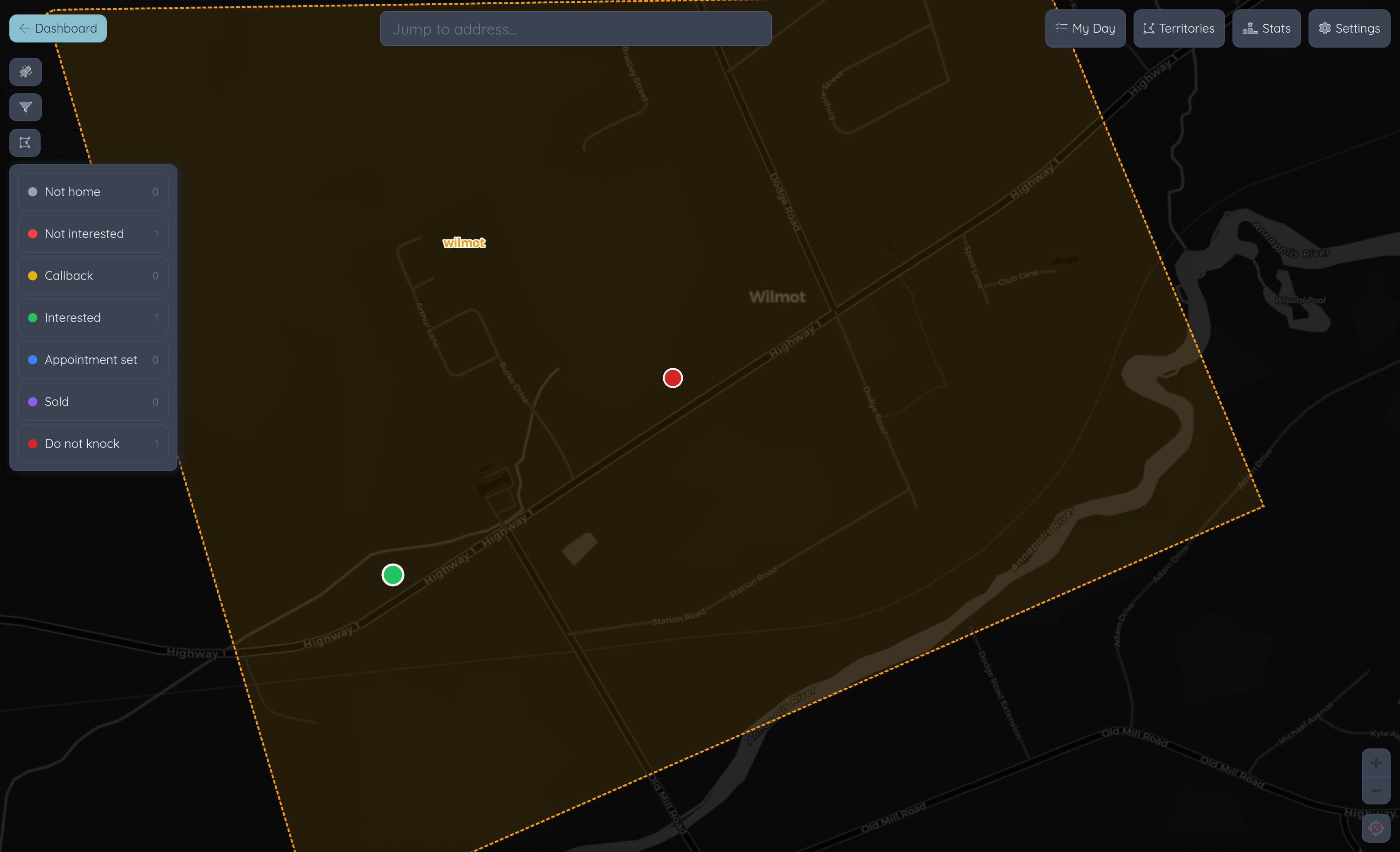
Powerlily mobile app site plan
Project details on mobile
Project Access

Full Project Details at Your Fingertips

Pull up any project instantly. Customer info, system specs, site notes, and documents—everything your crew needs without calling the office.

  • Customer contact info & site address
  • System design specs & equipment lists
  • Site survey notes & special instructions
  • Offline access for areas with poor signal
Upload photos from the field
Photos & Uploads

Capture and Upload From the Job Site

Snap photos of completed work, upload inspection documents, and attach files directly to the project—no more emailing photos back to the office.

  • Photo capture with automatic project tagging
  • Document & file uploads from your device
  • Progress photo timelines for each project
  • Files sync to the web app in real time
Field data entry on tablet
Field Data Entry

Add Data Without the Paperwork

Log site survey measurements, record installation notes, and update project status in real time. The office sees updates the moment you save.

  • Site survey data capture
  • Installation checklists & sign-offs
  • Real-time project status updates
  • Notes & comments visible to the whole team

Built for the Field

Everything a solar field team needs, nothing they don't.

GPS & Navigation

Tap the site address to open navigation. Get directions to your next job without switching apps.

  • One-tap navigation to job sites
  • Integrated with Google Maps & Apple Maps

Push Notifications

Get notified when you're assigned a new project, when schedules change, or when the office needs something from the field.

  • New assignment alerts
  • Schedule change notifications

Events & Scheduling

View upcoming site visits, inspections, and install dates. See your schedule and know exactly where you need to be and when.

  • Project event timelines
  • Upcoming schedule at a glance

Comments & Activity

Leave comments on any project from the field. Tag team members, ask questions, and keep a running log of everything that happens on site.

  • Project comment threads
  • @mention team members

Secure & Role-Based

Field techs see only what they need. Sensitive pricing and business data stays in the office. Role-based access keeps everything secure.

  • Role-based permissions
  • Secure authentication
Coming Soon

Drone Photogrammetry

Fly a drone on site, upload the imagery to Powerlily, and we'll generate a Digital Surface Model for precise solar design.

Guided Drone Flights

Built-in flight planning helps field techs capture the right overlapping photos for accurate 3D reconstruction—no photogrammetry experience required.

  • Automated flight path planning
  • Overlap & altitude guidance

Upload & Process

Upload aerial photos directly from the app. Powerlily processes the imagery into a high-resolution Digital Surface Model ready for solar design.

  • Direct upload from the field
  • Automated DSM generation

Digital Surface Models

Get accurate roof geometry, pitch, and obstruction data from real site conditions—not outdated satellite imagery. Design with confidence.

  • True roof measurements
  • Obstruction & shading detection

Straight Into Design

The DSM flows directly into Powerlily's 3D design tools. Go from drone flight to panel layout without leaving the platform.

  • DSM-to-design pipeline
  • No third-party software needed

Take Powerlily to the Field

Native apps for Android and iPhone. Included with every Powerlily plan.